Emmet Made Simple: Write HTML Without Repeating Yourself
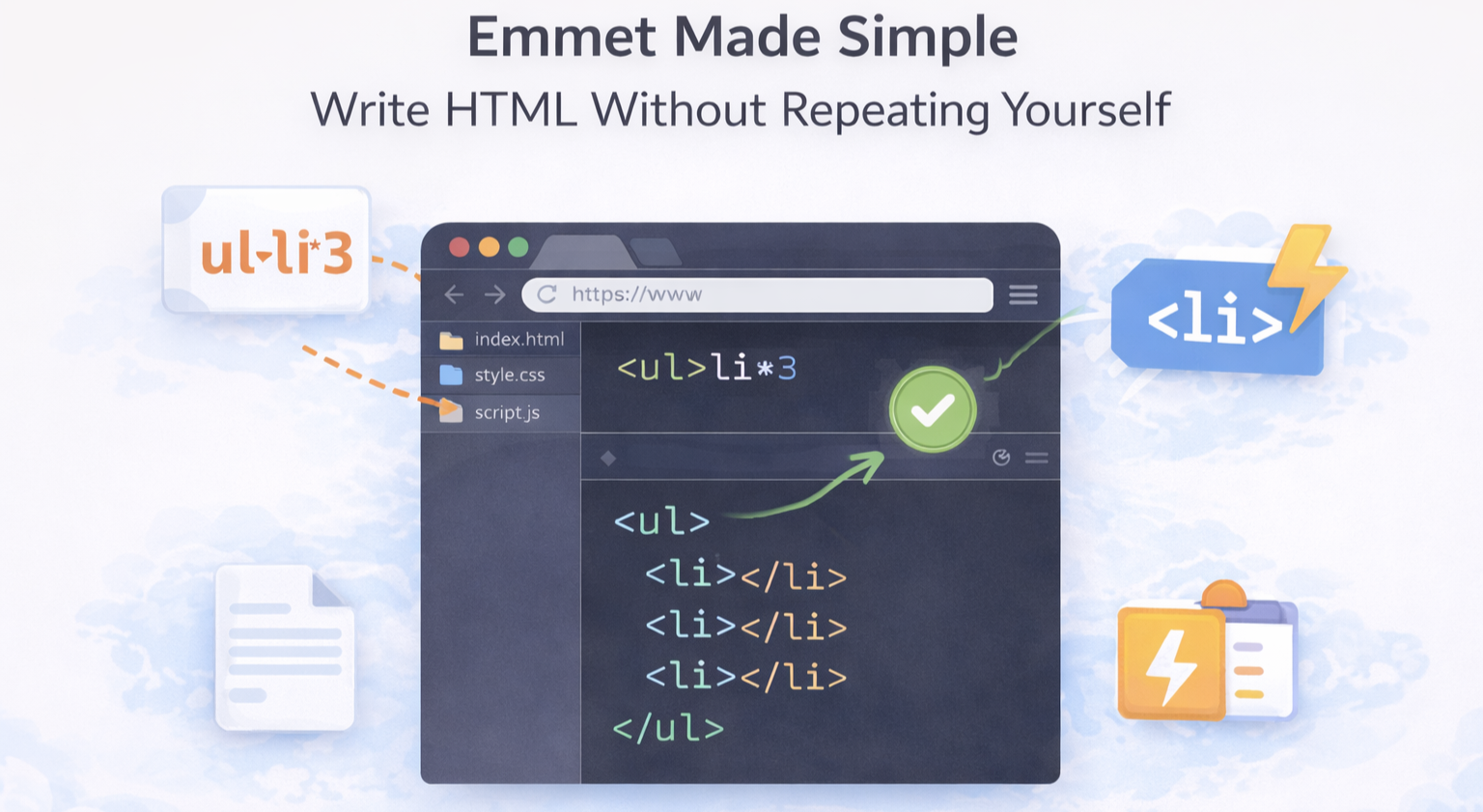
Honestly “Writing HTML feels slow sometimes, right?” i don’t know about others but personally i feel very bored.
When you type:
<div>
  <ul>
    <li></li>
    <li></li>
    <li></li>
  </ul>
</div>
And your fingers already feel tired. This is developers pain point which is solved by Emmet.
What Is Emmet?
Emmet is a shortcut language for HTML.
You write short expressions, press a key, and your editor writes the full HTML for you.
Think of Emmet as “a smart assistant that finishes your HTML for you”
You’re still writing real HTML just much faster.
Why Emmet Is Useful for HTML Beginners
As a beginner, Emmet helps you write HTML faster, avoid forgetting closing tags, focus on structure, not typing and reduce silly mistakes
Important thing to know is that Emmet is optional, but once you use it, you won’t want to stop.
How Emmet Works Inside a Code Editor
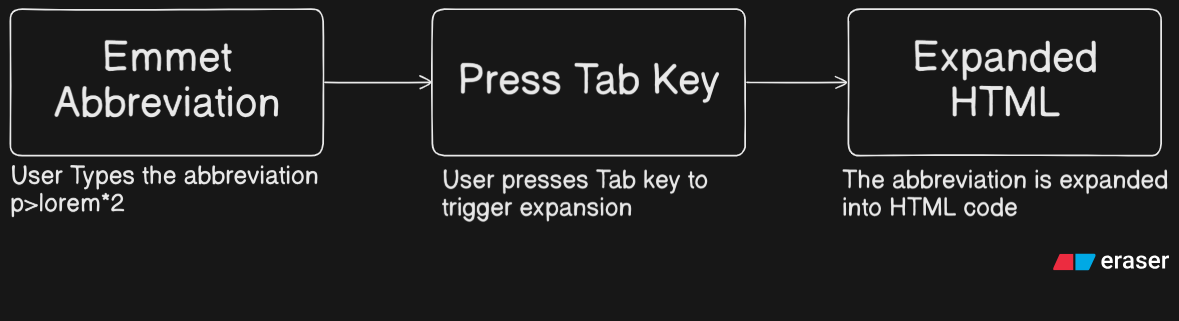
Let’s understand this using a very simple workflow.
What’s happening in the diagram?
Step 1: You type an Emmet abbreviation
p>lorem*2
Step 2: You press the Tab key
This tells the editor: “Hey, expand this Emmet shortcut”
Step 3: The editor generates HTML
<p>Lorem ipsum...</p>
<p>Lorem ipsum...</p>
That’s it. That’s the whole magic.
Writing HTML With Emmet
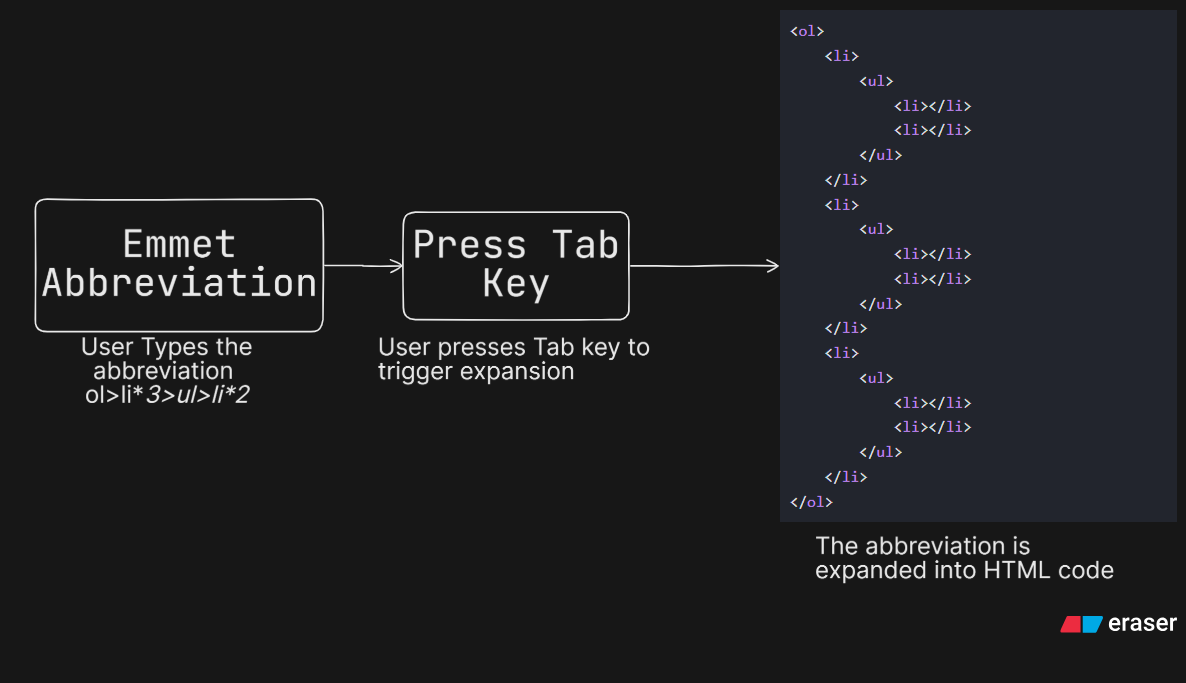
As you can see in above diagram even with Less typing we get same result.
Basic Emmet Syntax
Abbreviation
div
Result:
<div></div>
Adding Classes and IDs
Class (.)
Abbreviation:
div.container
<div class="container"></div>
ID (#)
Abbreviation:
section#main
<section id="main"></section>
Creating Nested Elements
As shown in above diagram, use > to show inside relationship.
Abbreviation:
div>ul>li
Result
<div>
  <ul>
    <li></li>
  </ul>
</div>
Think of > symbol means “to go inside”.
Generating Full HTML Boilerplate
Yes — Emmet can create the entire HTML structure.
Abbreviation: {! is exclamation mark that is used here}
!
Result:
<!DOCTYPE html>
<html lang="en">
<head>
  <meta charset="UTF-8">
  <title>Document</title>
</head>
<body>

</body>
</html>
No more copy-paste. Emmet works in VS Code by default so we don’t have to install any extension for Emmet. You usually press Tab to expand and ofcourse Emmet is not cheating. It doesn’t replace HTML - it helps you write it.
Conclusion: If Emmet feels confusing right now - that’s okay.
Start with just these below abbreviations:
div
ul>li*3
div.container>p
img[src alt]
!
Practice slowly. Your speed will improve naturally.


